How to Seamlessly Integrate QuickBooks and Other Accounting Software with ERP


Understanding ERP and Accounting Software Integration
In today's fast-paced business environment, integrating accounting software like QuickBooks with Enterprise Resource Planning (ERP) systems can significantly enhance operational efficiency. This integration is essential for businesses looking to streamline their financial processes and gain a holistic view of their operations. But how does one go about achieving this seamless integration?
The key lies in understanding both systems and identifying the areas where they can complement each other. QuickBooks, known for its user-friendly interface and robust accounting features, can benefit greatly from the extended capabilities of an ERP, which offers comprehensive business management solutions.
Benefits of Integration
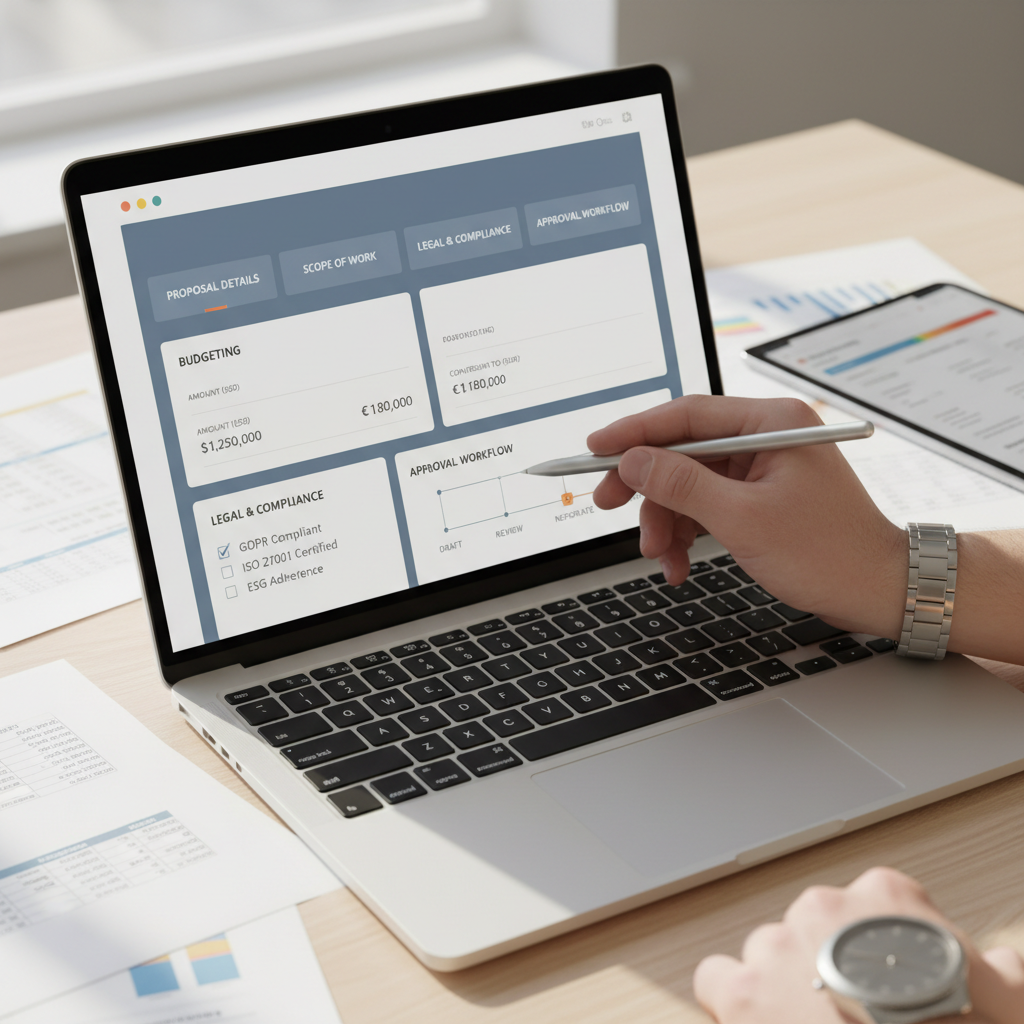
Integrating QuickBooks with an ERP system offers numerous benefits. First and foremost, it eliminates data silos, ensuring that all financial data is centralized. This not only saves time but also reduces errors associated with manual data entry.
Moreover, businesses can achieve real-time insights into their financial health, aiding in better decision-making. The integration also supports scalability, enabling businesses to grow without the hassle of overhauling their entire financial system.

Steps to Integrate QuickBooks with ERP
1. Assess Your Business Needs
Before proceeding with the integration, it's crucial to assess your business needs. Understand the specific functionalities you require from both QuickBooks and the ERP system. This will help in selecting the right ERP that complements your accounting software.
2. Choose the Right ERP Solution
Not all ERPs are created equal. Choose an ERP system that is compatible with QuickBooks and offers integration tools. Some ERP systems come with built-in connectors specifically designed for QuickBooks, simplifying the integration process.

3. Data Mapping and Migration
The next step involves data mapping, where you align the data fields in QuickBooks with those in the ERP system. This ensures that data flows smoothly between the two systems. Careful data migration is essential to avoid data loss or corruption.
Tools and Technologies for Integration
There are various tools and technologies available to facilitate the integration process. Middleware solutions and APIs (Application Programming Interfaces) can act as bridges between QuickBooks and ERP systems, enabling seamless data exchange.
Additionally, some third-party applications specialize in integrating QuickBooks with ERP systems, offering features like automated data sync and real-time updates. These tools can significantly reduce the complexity and time required for integration.

Testing and Implementation
Once the integration setup is complete, conduct thorough testing to ensure data accuracy and system functionality. It's advisable to run a pilot test with a small dataset before fully implementing the integration.
After successful testing, roll out the integrated system across the organization. Provide adequate training to your team to ensure they are comfortable with the new setup and can leverage its full potential.
Maintaining and Optimizing Integration
Integration is not a one-time task. Regular monitoring and maintenance are crucial to ensure the system continues to function optimally. Keep the software updated and be proactive in resolving any issues that arise.
Finally, periodically review the integration setup to identify areas for further optimization. As your business evolves, so will your integration needs. Staying ahead of these changes will ensure that your QuickBooks and ERP system continue to support your business goals effectively.